Pokemon Moemon Z
Return to ancient Kalos with the Moemon style
Pokemon Z = required base game
Start with Pokemon Z. Download and extract the base game separately before adding the Moemon Z files.
Moemon Z = separate mod
Use the latest available Pokemon Z base game and the latest Moemon Z patch, then install the mod using the steps on this page.
What is Moemon?
Moemon is a fan-made visual style that redraws Pokemon as cute, anime-inspired girl characters.
The “moe” part refers to the cute character style. Instead of the usual Pokemon creature sprites, Moemon projects use humanized designs, often called gijinka, while keeping recognizable colors, shapes, clothing details, and other visual cues from the Pokemon they represent.
In sprite-replacement projects such as Moemon Quetzal, the underlying adventure, mechanics, and content stay the same while the Pokemon graphics are replaced with Moemon artwork. Moemon Z brings that same visual idea to Pokemon Z, letting you experience ancient Kalos with a different character-art style.
What is Pokemon Moemon Z?
Pokemon Moemon Z brings the Moemon visual style to EricLostie’s Pokemon Z fangame.
Return to ancient Kalos and continue the Pokemon Z story with Moemon character artwork across supported game graphics. You will see the new style in battles, starter selection, story scenes, icons, the title screen, and other converted assets.
Moemon Z keeps Pokemon Z as the base experience and focuses on its visual presentation. The mod includes Moemon battle sprites, custom sprite work, converted icons, backless sprites, a dedicated Moemon Z title screen, and support for swapping sprites with unused alternatives inside the graphics files.
What Moemon Z changes
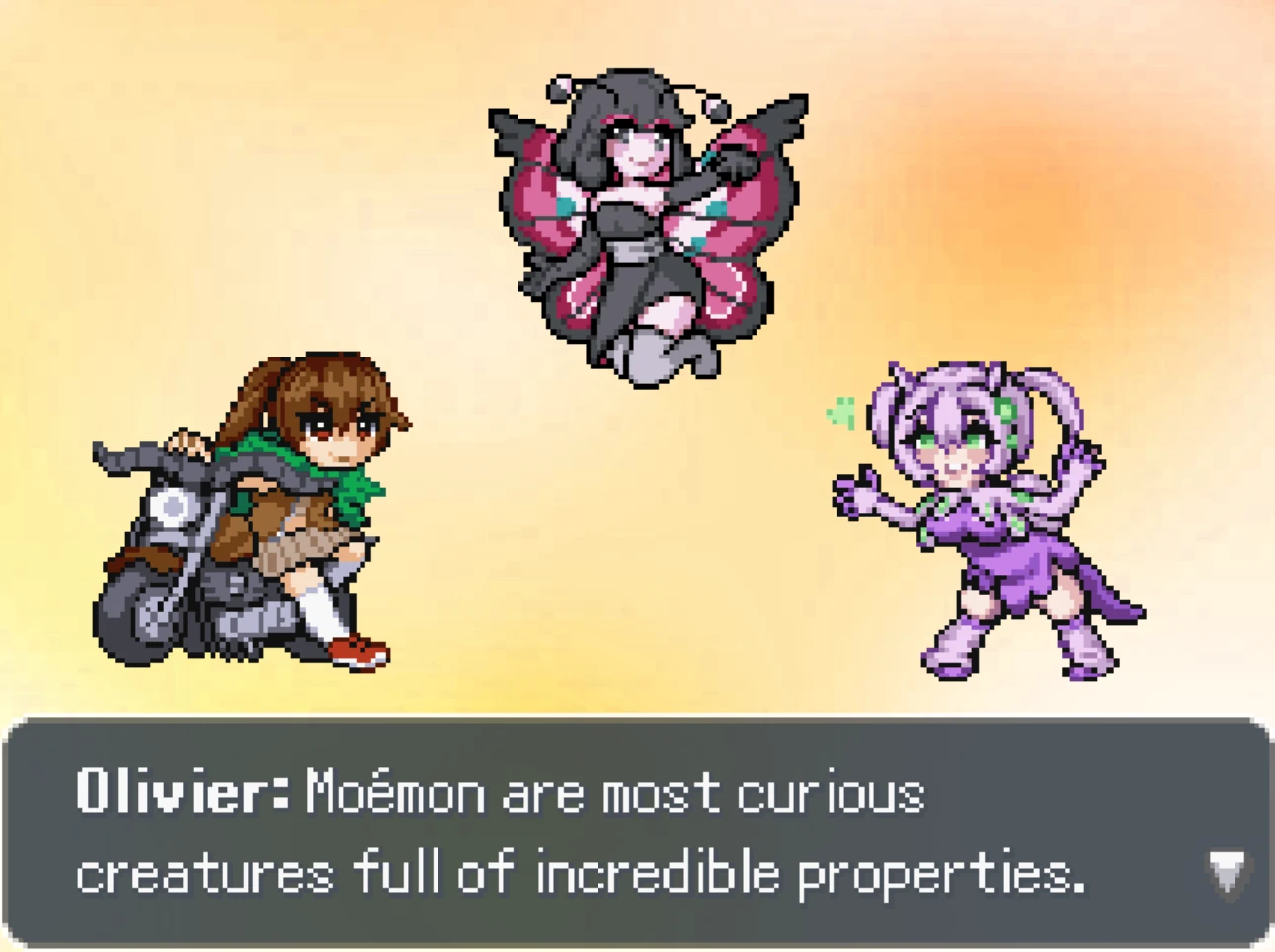
Moemon Z gives Pokemon Z a new character-art style while keeping the original fangame as its foundation.
Moemon battle sprites
Pokemon battle artwork is replaced with Moemon-style character sprites across most of the battle roster.
Custom sprite work
A large part of the conversion uses custom-made sprite artwork designed for the Moemon presentation.
Moemon icons
Pokemon icons are also being converted so more of the interface matches the Moemon artwork.
Moemon title screen
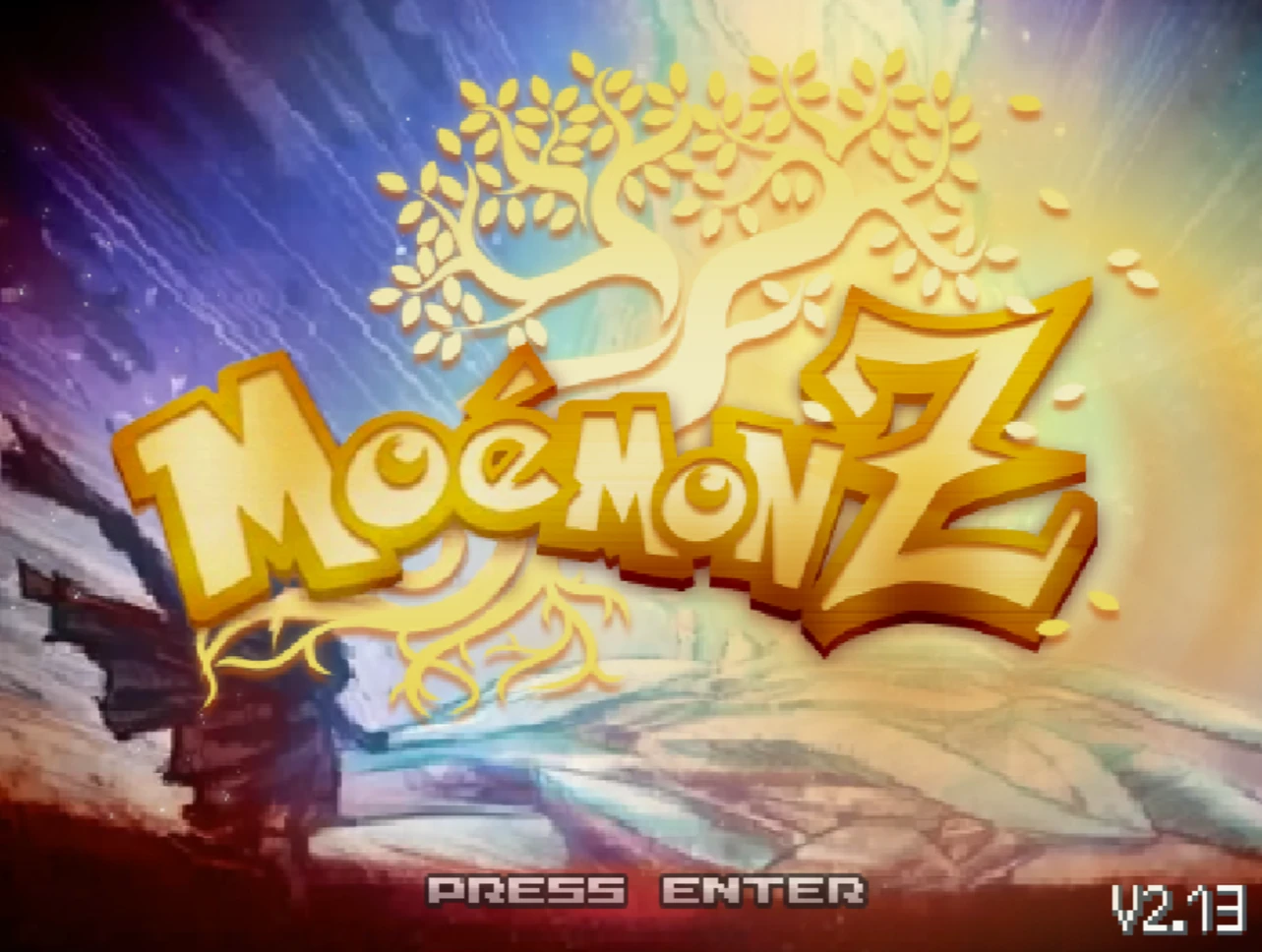
The mod includes its own Pokemon Moemon Z title screen for a consistent presentation from startup.
Moemon Z release progress
This Moemon Z release already covers most battle sprites, with additional custom sprites and icon work continuing across the game.
Moemon battle sprites
Most battle sprites are already converted to the Moemon style.
Custom sprites
More than two-thirds of the tracked sprite work uses custom artwork.
Icons completed
Icon conversion is roughly halfway complete in this release.
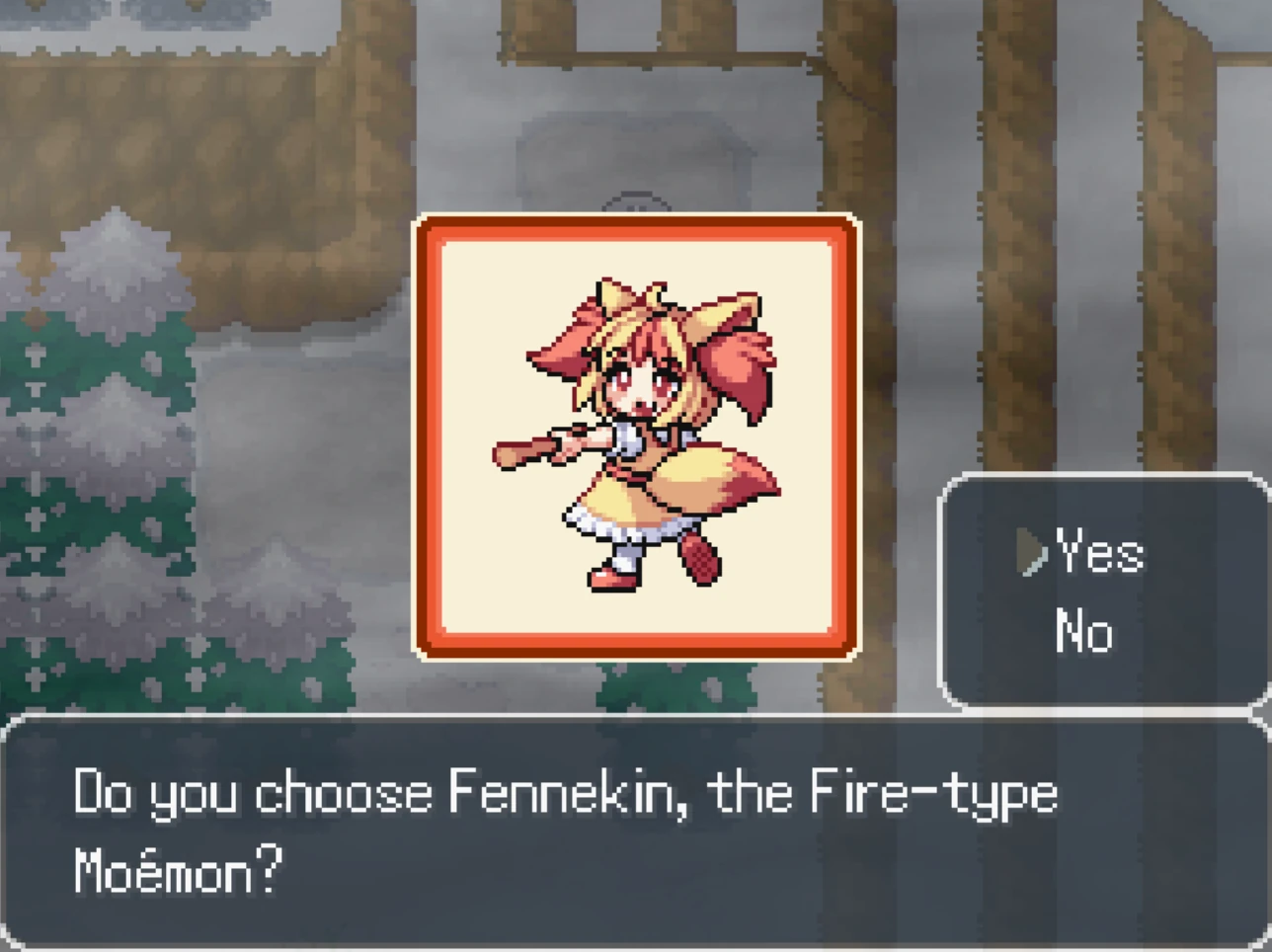
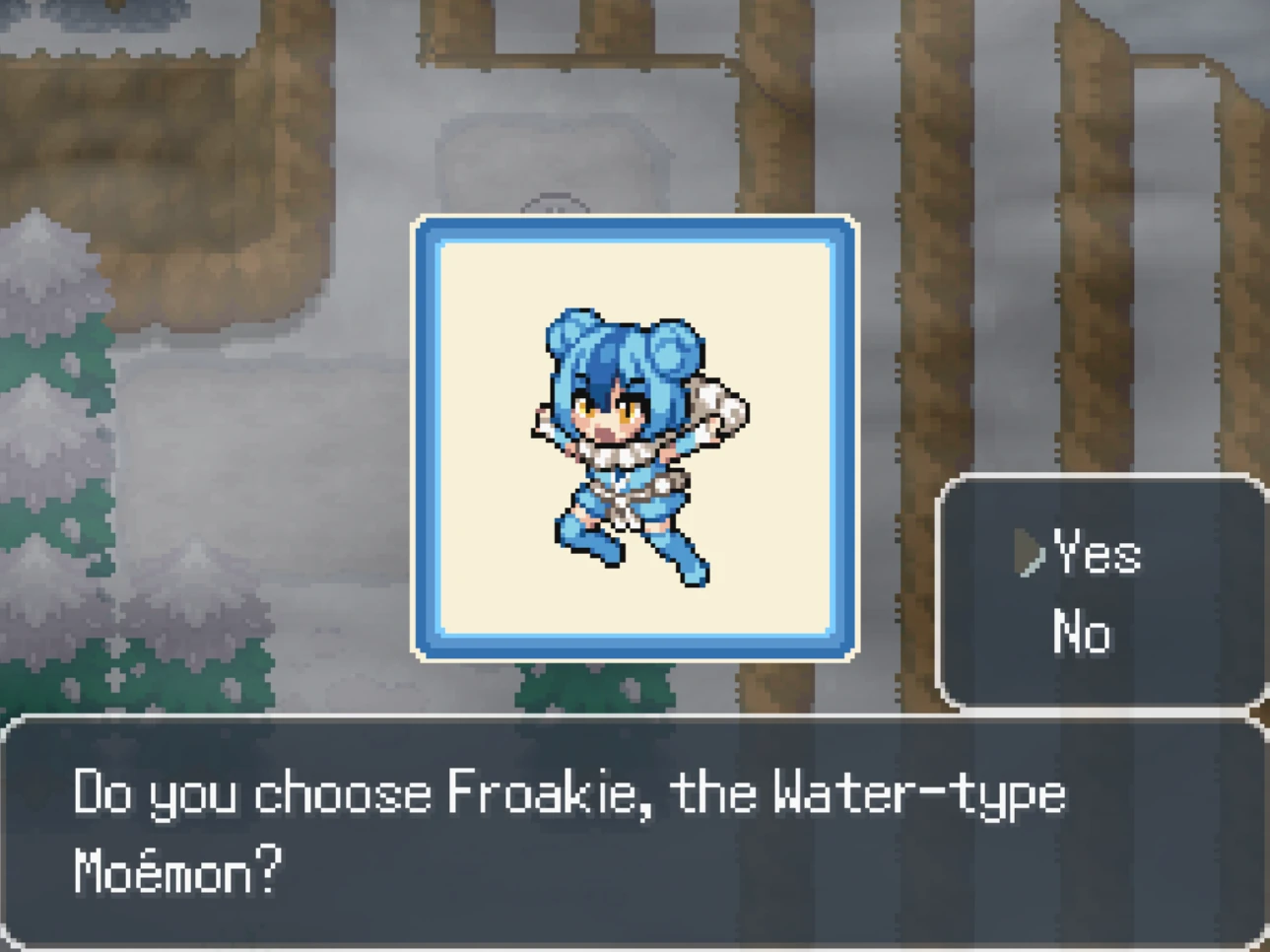
Choose your Moemon Z starter
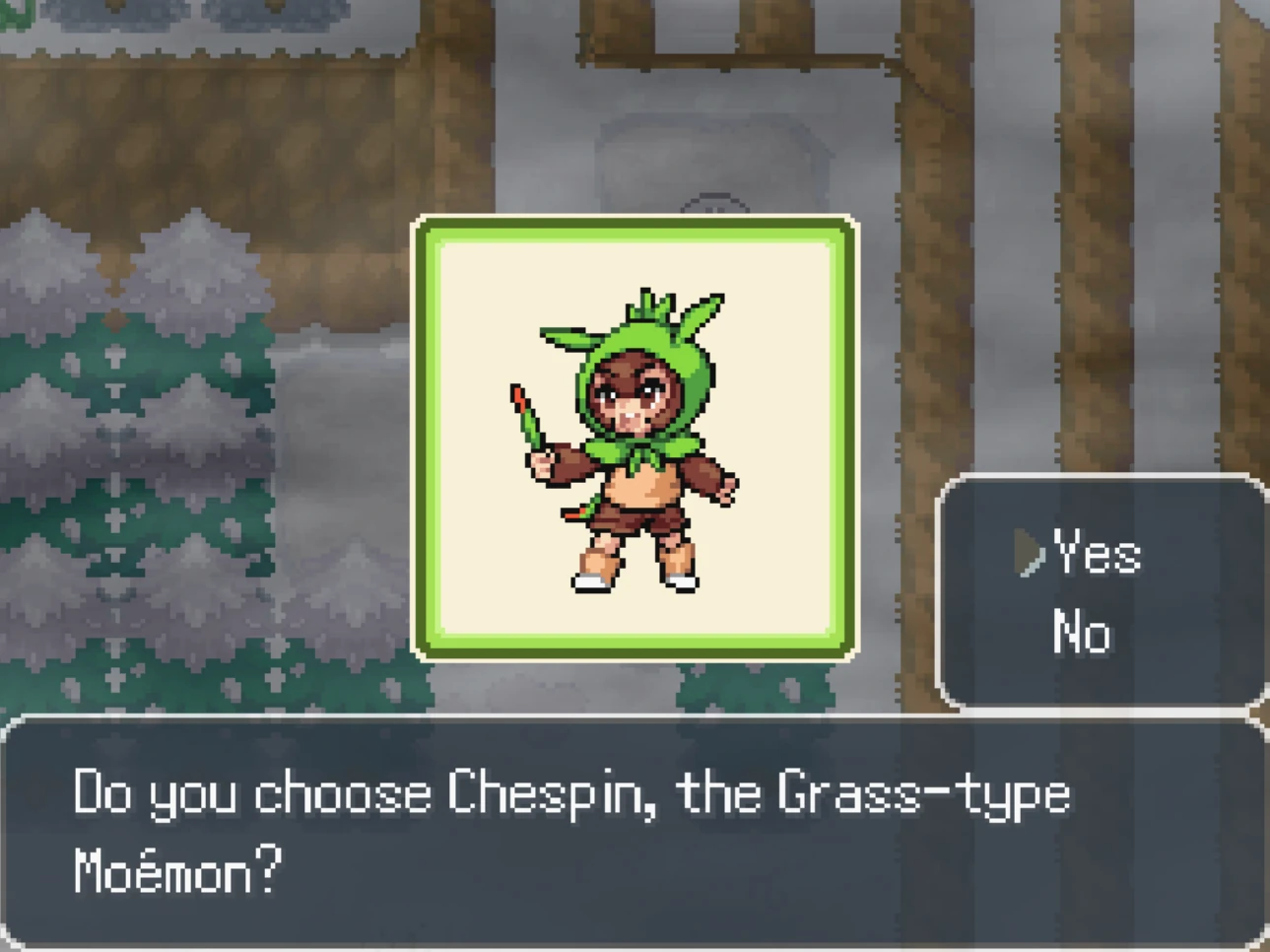
Chespin, Fennekin, and Froakie keep their familiar starter roles while appearing with their Moemon designs.
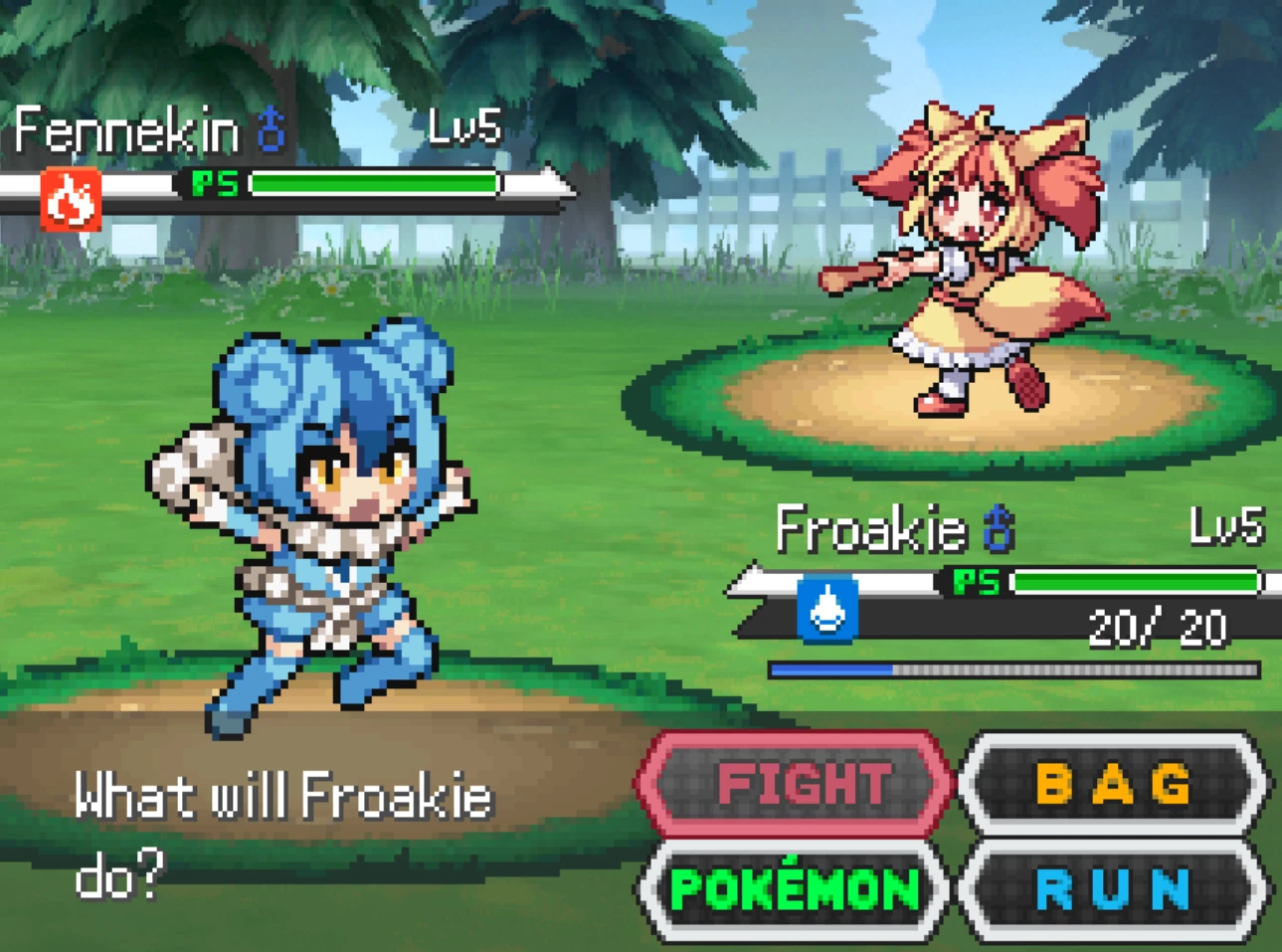
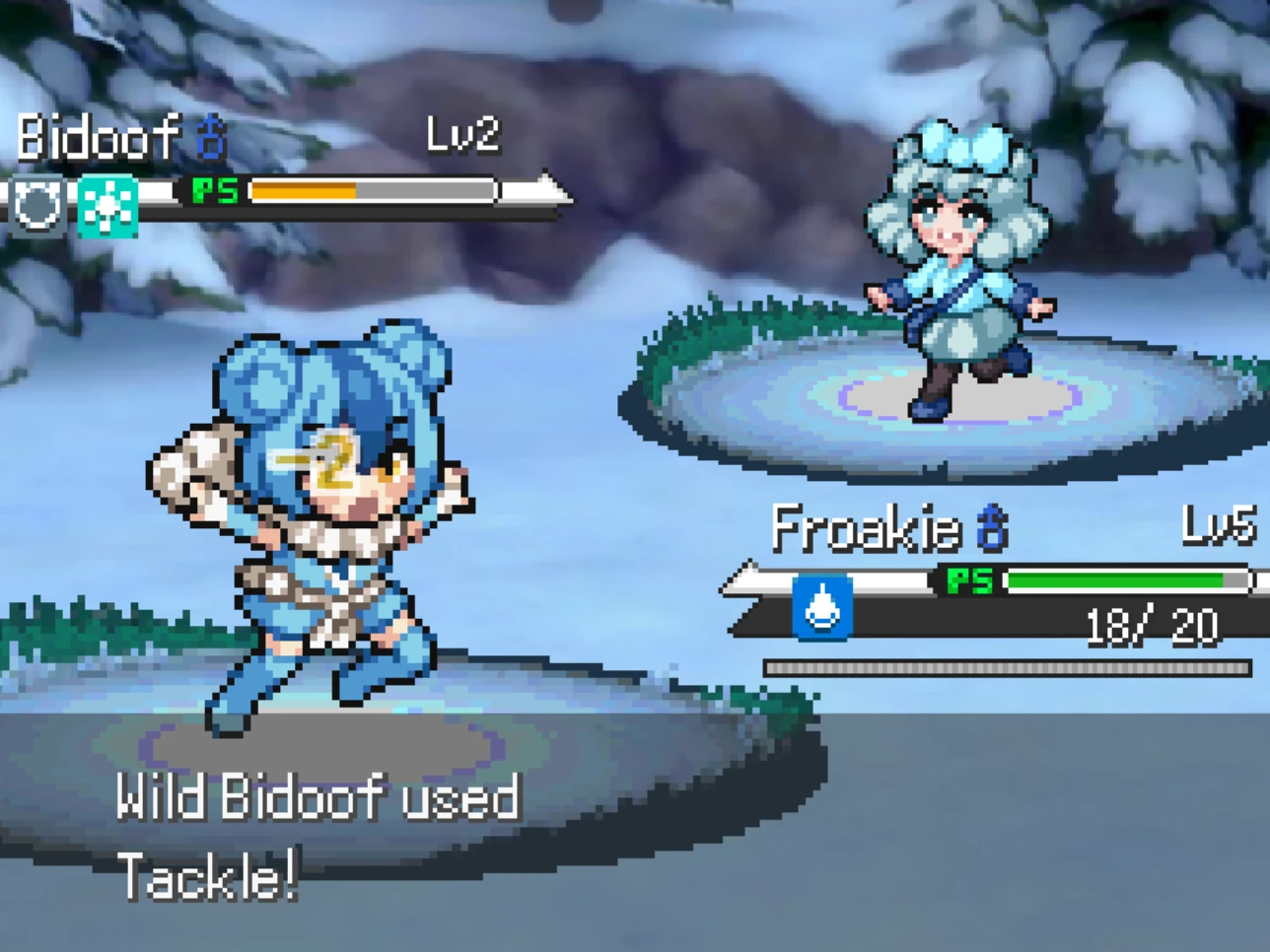
Pokemon Moemon Z gameplay
Battle through Pokemon Z with Moemon artwork integrated into the familiar battle interface and environments.
Before you install
Pokemon Z is required as the base game. Prepare a clean copy first, then install the separate Moemon Z patch into that folder.
Download and extract Pokemon Z from our Pokemon Z base game page before installing Moemon Z.
Make a copy of the extracted Pokemon Z folder before replacing sprites. This gives you an untouched base game to return to if needed.
Download the separate Moemon Z patch from the official Google Drive link on this page, then follow the six steps below.
How to install Pokemon Moemon Z
The installation is straightforward: prepare Pokemon Z, remove the original battler and icon sprites, copy in the Moemon Z patch files, and run the included setup file.
Download Pokemon Z
Get the original Pokemon Z base game from our Pokemon Z download page.
Extract the Pokemon Z folder
Unzip Pokemon Z and open the extracted game folder.
Remove the original battler and icon sprites
Open Graphics/Battlers and delete all sprite files inside it. Then open Graphics/Icons and delete all sprite files inside that folder as well.
Download the Moemon Z patch
Download the current Pokemon Moemon Z patch from Google Drive, then unzip it.
Copy the Patch files into Pokemon Z
Open the extracted Moemon Z Patch folder and copy everything inside it into the main Pokemon Z folder.
Run moe_zu.bat
Inside the patched Pokemon Z folder, run moe_zu.bat to complete the Moemon Z setup.
moe_zu.bat from the Moemon Z package downloaded through the official link on this page.Download Pokemon Moemon Z
You need both downloads to play. Start with Pokemon Z as the base game, then add the separate Moemon Z mod.
Pokemon Z Base Game
Download and extract Pokemon Z before installing Moemon Z.
Get Pokemon Z Base GamePokemon Moemon Z
Already have Pokemon Z? Download Moemon Z and follow the installation steps above.
Download Moemon ZPokemon Moemon Z FAQ
Is Pokemon Moemon Z a standalone game?
No. Pokemon Z is the required base game, and Moemon Z is a separate mod installed on top of it.
Where do I get the Pokemon Z base game?
Use our Pokemon Z download page. Get the base game first, then return here for Moemon Z.
Which versions of Pokemon Z and Moemon Z should I download?
Download the latest available version of Pokemon Z from our Pokemon Z download page and the latest Moemon Z patch from the official Google Drive. Use the newest available versions of both before starting the installation.
Do I need to remove the original Pokemon Z sprites first?
Yes. Before copying the Moemon Z patch, delete the sprite files inside Graphics/Battlers and Graphics/Icons. Keeping a clean backup of Pokemon Z first is recommended.
What do I run after copying the Moemon Z patch files?
Run moe_zu.bat from the patched Pokemon Z folder to complete the setup. Use the file from the official Moemon Z package linked on this page.
What does Moemon Z change?
Moemon Z focuses on the game’s visual assets. It adds Moemon battle sprites, custom sprite work, converted icons, backless sprites, a Moemon Z title screen, and sprite-swapping options while using Pokemon Z as the base game.
How complete is the Moemon Z conversion?
This release includes 97% Moemon battle sprite coverage, 68.3% custom sprite coverage, and around half of the icons completed. Later updates may increase those numbers.
Can I play Pokemon Moemon Z on Android?
Pokemon Z can run on Android through JoiPlay, but Moemon Z uses moe_zu.bat during setup, so Windows is the simplest installation route. If you try another platform, start with the latest available versions of both Pokemon Z and Moemon Z.
Who created Moemon Z?
Moemon Z is released by the Moemon Project for Pokemon Z. Pokemon Z is a separate fangame created by EricLostie.
Pokemon Z guides & documentation
Moemon Z changes the visual presentation, so the Pokemon Z guides on this website still apply to your adventure. Use these references for locations, items, optional encounters, and progression help.
Pokemon Locations
Find Pokemon from Generations 1-9, including special encounters and dedicated location guides for completing your collection.
Legendary Pokemon Locations
Track down Legendary and Mythical Pokemon across the story, optional areas, and postgame.
All Mega Stones
Check where to obtain the Mega Stones available throughout Pokemon Z, including optional and late-game rewards.
All TM Locations
Use the TM guide to find Technical Machines for movesets, Gym battles, and team building.
Alpha Nest Locations
Find all 18 Alpha Nests and plan these stronger optional encounters while exploring ancient Kalos.
New Regional Forms & Evolutions
Learn about the custom Z Forms and new evolutions in Pokemon Z, including typings and evolution methods.
Official links
Use the links below for the Moemon Z download, release updates, community support, and the required Pokemon Z base game.